
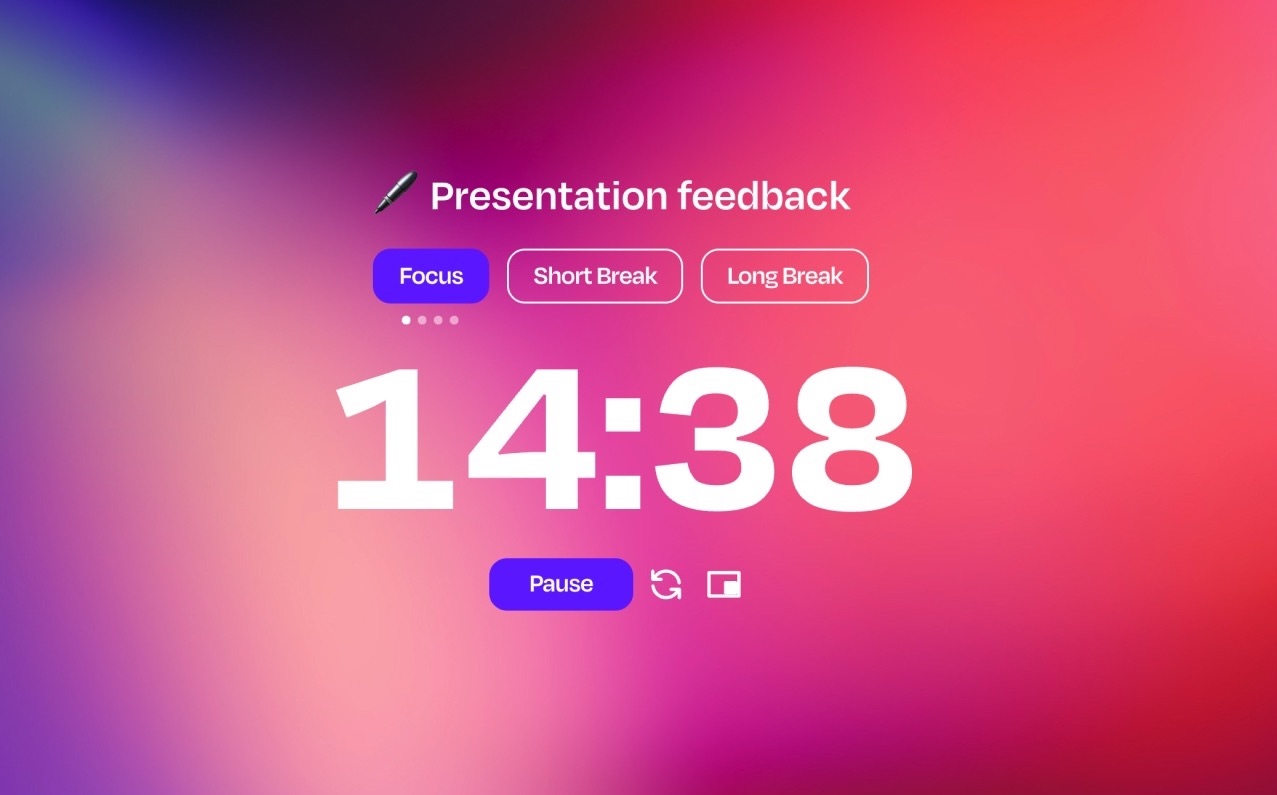
The Flocus timer is fully yours: pick from multiple timer modes, aesthetic themes, and sounds, so you can focus your way.






Pick your timer mode (Pomodoro, Countdown, Stopwatch, Animedoro, and more), set your ideal session lengths, and choose fun alert sounds to make it your own.
Go to Flocus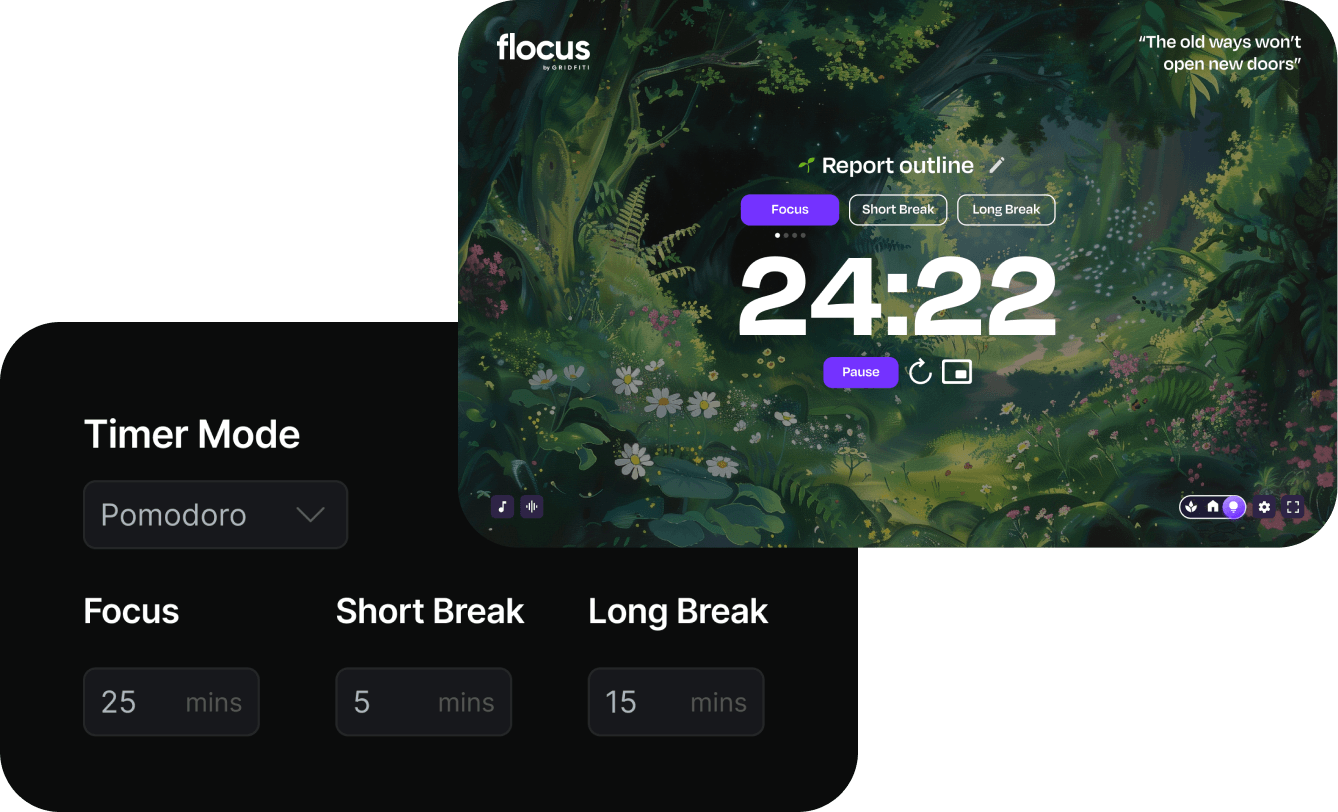
Pick from aesthetic ambient themes (or add your own image or YouTube video) to personalize your space. Pair it with our layerable soundscapes and built-in focus playlists to complete the vibe.
Go to Flocus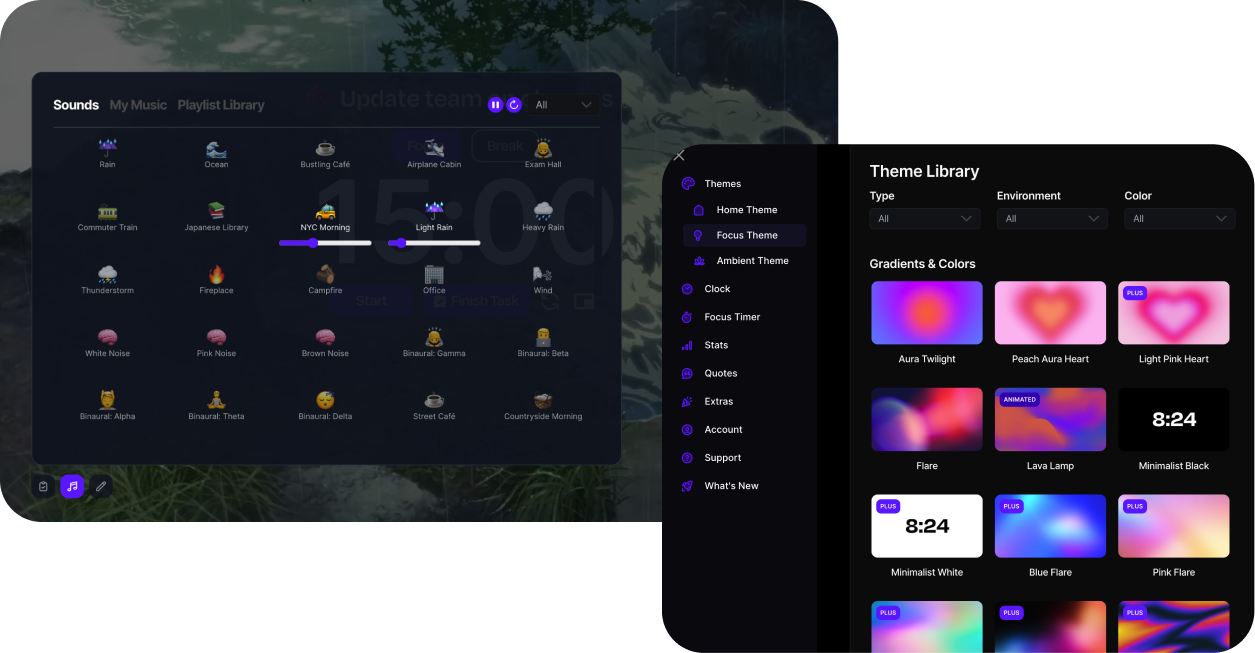
Keep one task front and center while you focus. You can even add goal ETAs to stay on target and break work into manageable chunks.
Go to Flocus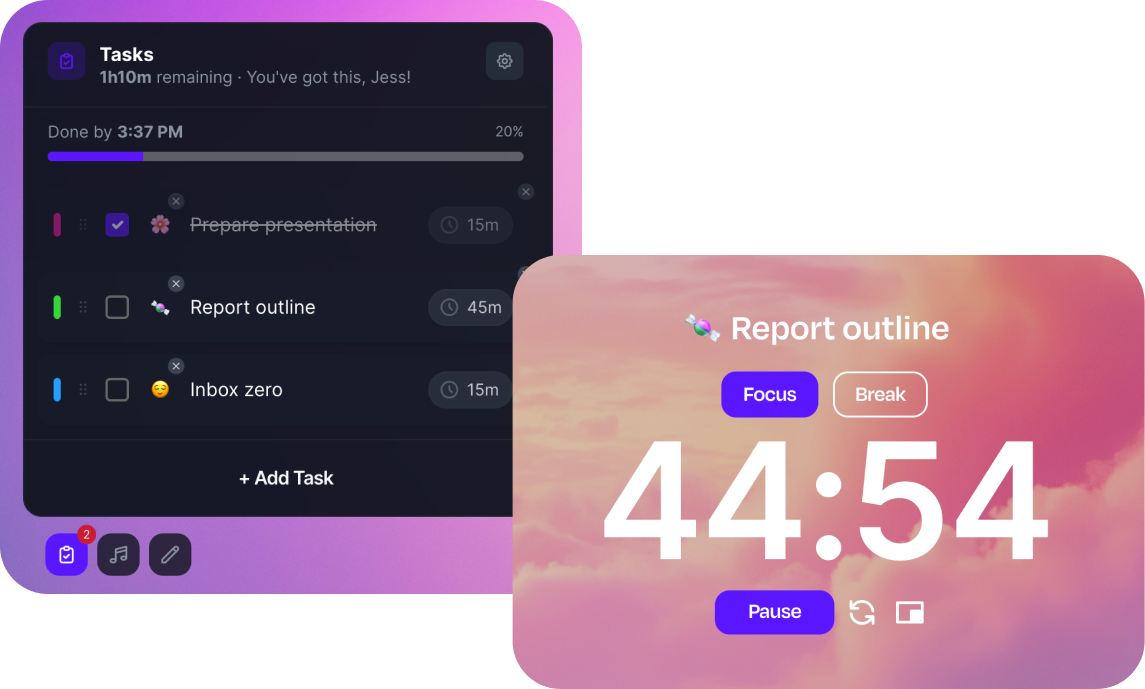
Every timed session is logged automatically. See your daily, weekly, and monthly focus progress, spot your best days, and stay motivated keeping your streak alive.
Go to Flocus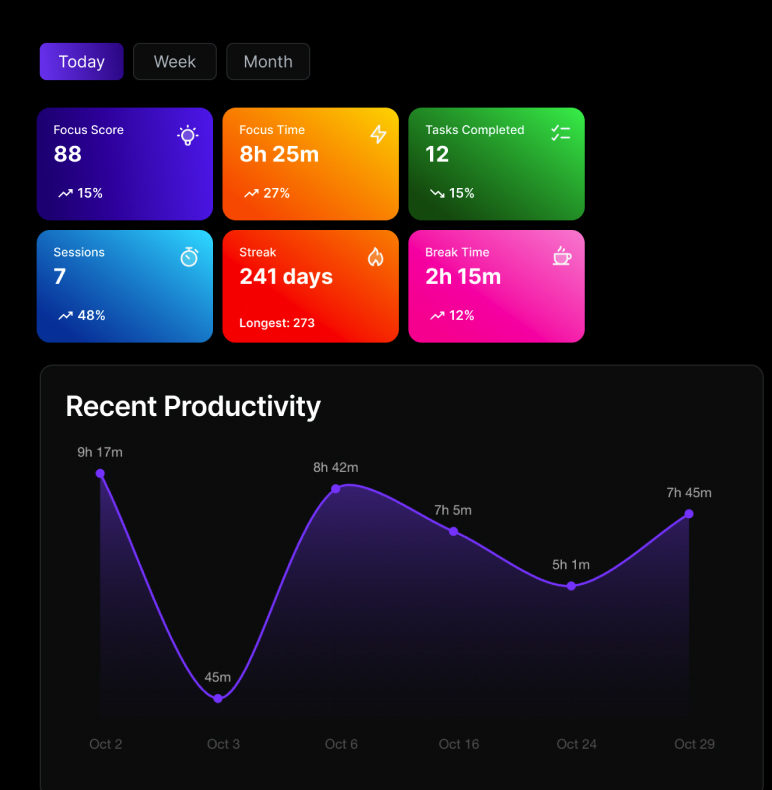
Use picture-in-picture to keep your timer in view across tabs (Chrome & Edge), or run the narrow window perfectly alongside other apps or tabs if working split screen.
Go to Flocus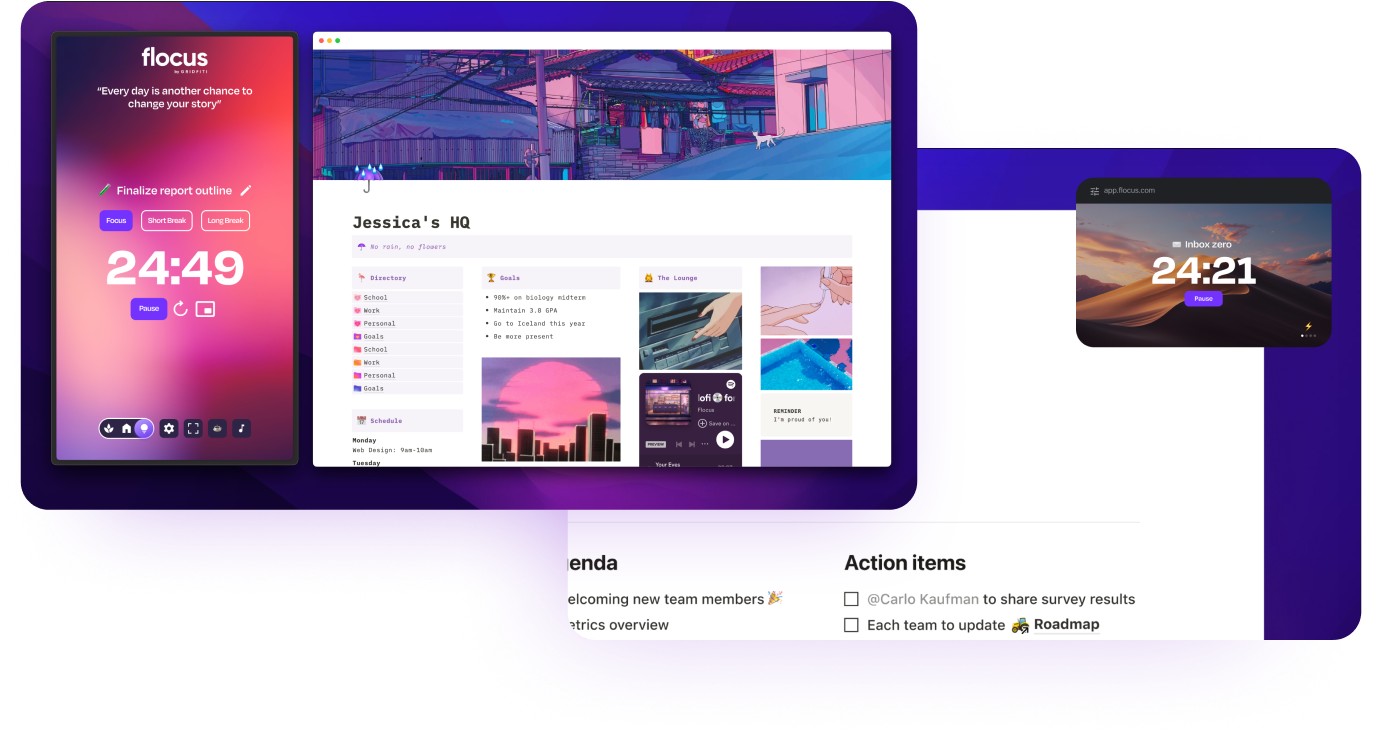
Trusted by over 1 million high achievers at top companies and universities







Flocus offers several timer modes including Pomodoro, Countdown, Stopwatch, and Animedoro. Each mode is fully customizable so you can set your ideal session lengths and break intervals.
Absolutely! You can adjust session durations, break lengths, alert sounds, tally icons, and more. You can also pair the timer with aesthetic themes, soundscapes, and music to create your perfect focus environment.
Yes! The Flocus focus timer is free to use with no sign-up required. Flocus Plus unlocks additional themes, soundscapes, and features for those who want the full experience.
Yes! Use picture-in-picture mode to keep your timer visible across tabs (Chrome & Edge), or run Flocus in a narrow window alongside other apps for split-screen productivity.
Whether you're a professional, student, or go-getter, Flocus is here to make your productivity journey more efficient, personalized, and beautiful.
Upgrade to Flocus PlusQuestions? Message us!
Customize your timer, set the vibe, and get more done with Flocus.
Go to Timer